Introduction to QA Automation
This lecture covers what automated testing is, the three interfaces we write tests through (functions, API, UI), and the types of tests you'll hear about in industry.
Repo: https://github.com/s1n7ax/lecture-intro-to-qa-automation-v2
0. Getting started
- Open the repo above, then
<> Code→Codespaces→Create codespace on main. - Wait ~1–2 minutes — the Codespace auto-runs
npm install && npx playwright install --with-deps chromium. - Open a terminal (
Ctrl+`) and runnpm run test:unit. Green checkmarks mean you're ready.
1. What is test automation?
Testing checks that software does what it should. Instead of a human clicking through the app every release, you automate it: write code that exercises the app and asserts the result, then run it on demand in seconds.
Why automate?
- Speed (hundreds of checks in seconds),
- regression safety (catch what you broke today), and it
- runs in CI on every push.
A test is always the same shape:
INITIAL STATE   set up the inputs / open the page
ACT             call the function / click the button
ASSERT          check the result is what you expected
2. The three interfaces (hands-on)
2a. Functions — Vitest
Test a pure function directly, no browser or network. The code under test (src/cart.js):
export function applyDiscount(amount, percent) {
  if (percent < 0 || percent > 100) {
    throw new Error(
      `Discount percent must be between 0 and 100, got ${percent}`,
    );
  }
  return amount - amount * (percent / 100);
}
The test (tests/unit/cart.test.js) — including the error case:
import { describe, it, expect } from "vitest";
import { applyDiscount } from "../../src/cart.js";

it("takes the right amount off", () => {
  expect(applyDiscount(100, 20)).toBe(80);
});

it("rejects a discount above 100%", () => {
  expect(() => applyDiscount(100, 150)).toThrow();
});
🖥️ Demo:
npm run test:unit. Breaksrc/cart.js(-→+) and rerun to see a test go red.
Takeaway: unit tests are fast and precise — they pinpoint the exact function that's wrong.
2b. API — fetch + Vitest
Skip the UI and test the backend contract over HTTP, against the public Swagger Petstore. APIs describe themselves with an OpenAPI/Swagger spec, which also powers the Swagger UI ("Try it out").
it("GET /pet/findByStatus returns a list of available pets (200)", async () => {
  const res = await fetch(
    "https://petstore.swagger.io/v2/pet/findByStatus?status=available",
  );
  expect(res.status).toBe(200);
  const pets = await res.json();
  expect(Array.isArray(pets)).toBe(true);
});
🖥️ Demo: open https://petstore.swagger.io/, expand
GET /pet/findByStatus→ Try it out → Execute. Thennpm run test:apihits the same endpoint in code.
Takeaway: API tests are fast and don't depend on the UI — ideal for business logic and contracts.
2c. UI — Playwright
Drive a real browser like a user, using Playwright against the-internet.herokuapp.com. Playwright auto-waits for elements, which makes tests far less flaky.
import { test, expect } from "@playwright/test";

test("valid login lands on the secure area", async ({ page }) => {
  await page.goto("/login");
  await page.fill("#username", "tomsmith");
  await page.fill("#password", "SuperSecretPassword!");
  await page.click('button[type="submit"]');

  await expect(page).toHaveURL(/.*secure/);
  await expect(page.locator("#flash")).toContainText(
    "You logged into a secure area!",
  );
});
🖥️ Demo:
npm run test:ui, thennpm run test:ui:reportfor the trace and screenshots.
Takeaway: UI tests are the most realistic but slowest — use them for critical journeys, not everything.
3. Types of tests
These are the words you'll see in job ads and tickets — what you're testing and why, not the tool. Many are automated through the same three interfaces above.
Unit — Developer
One function or class in isolation.
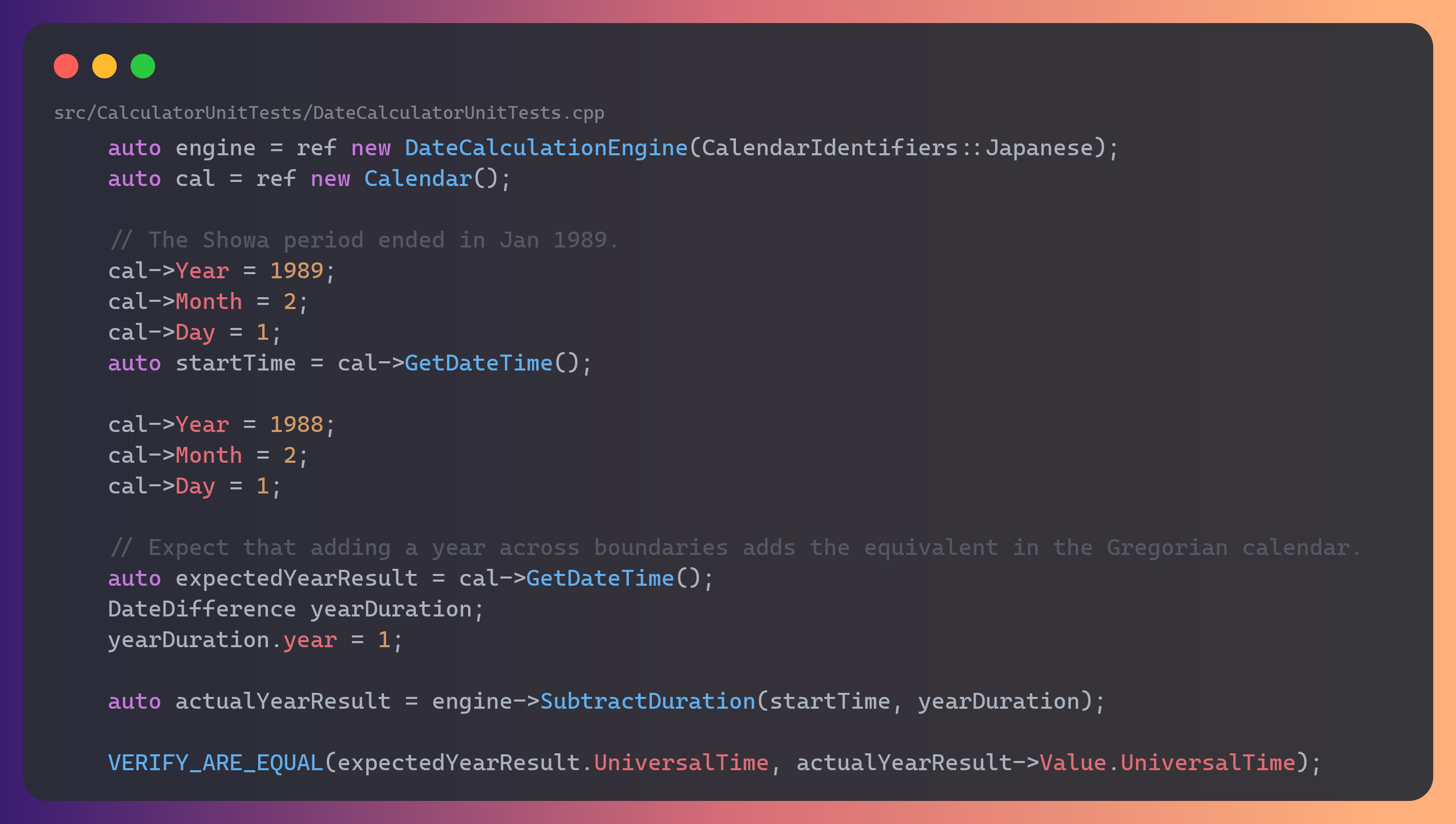
Source: MS Calculator
Integration — Developer
Several units working together.
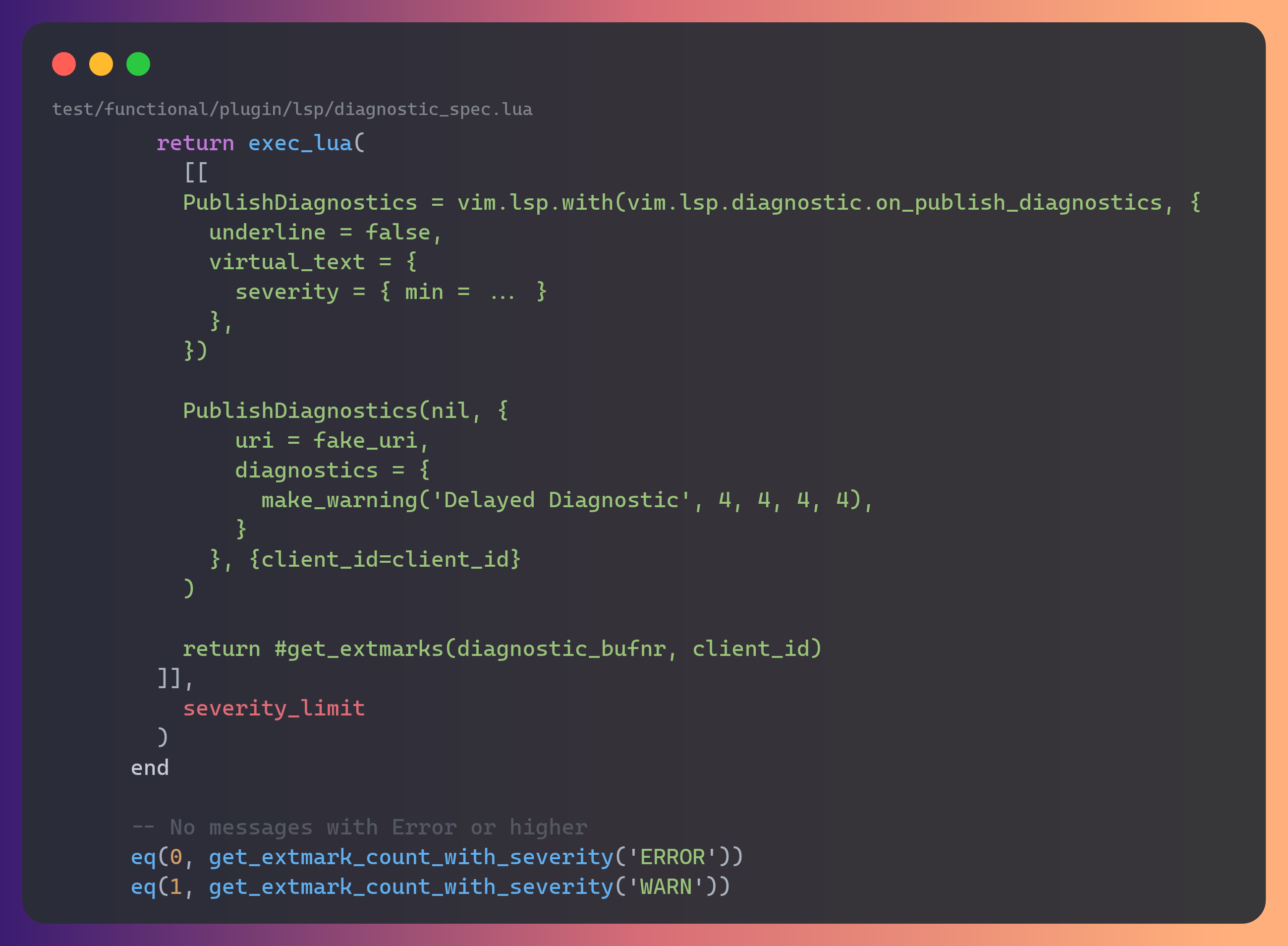
Source: Neovim
Smoke — QA
"Does the build even launch?"
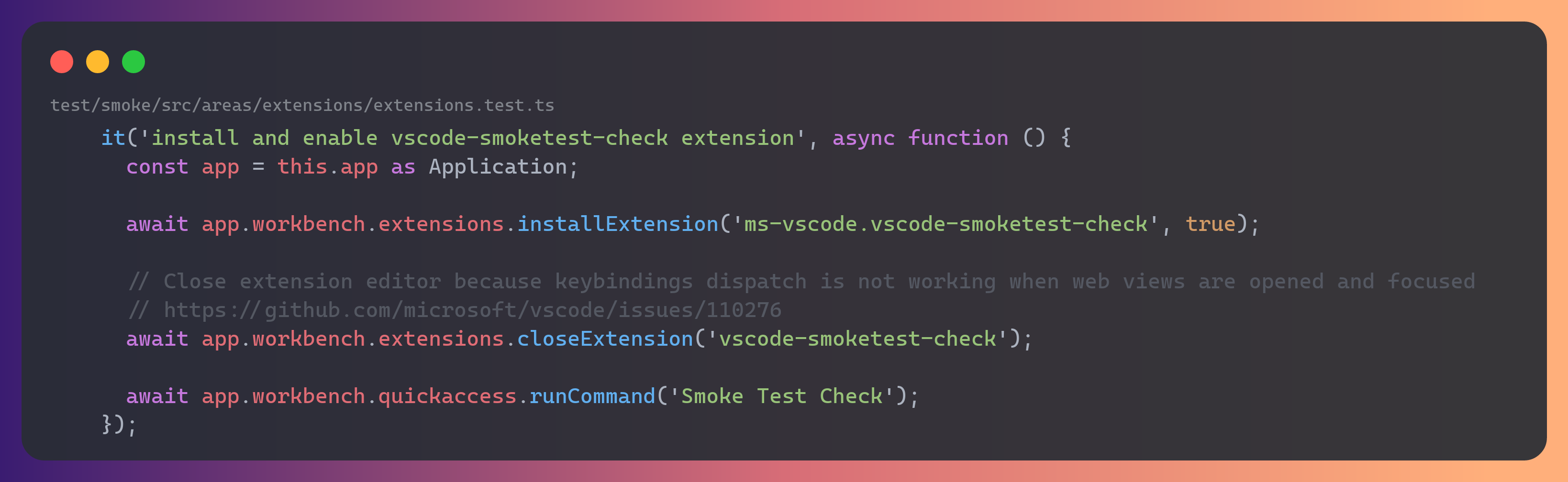
Source: VS Code
Performance — QA
Speed and responsiveness under normal use.
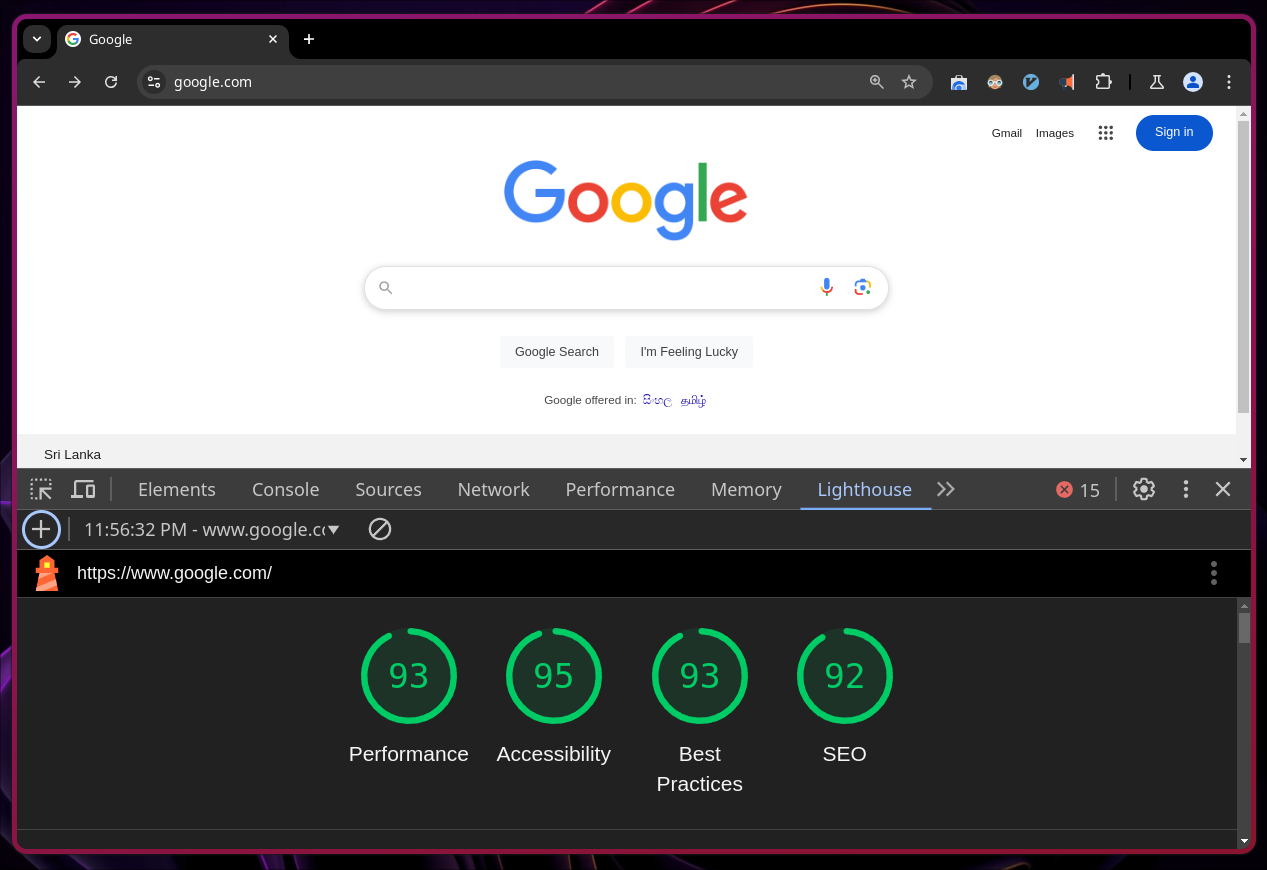
Source: Chrome Lighthouse (google.com)
Load — QA
Behaviour under heavy/concurrent traffic.
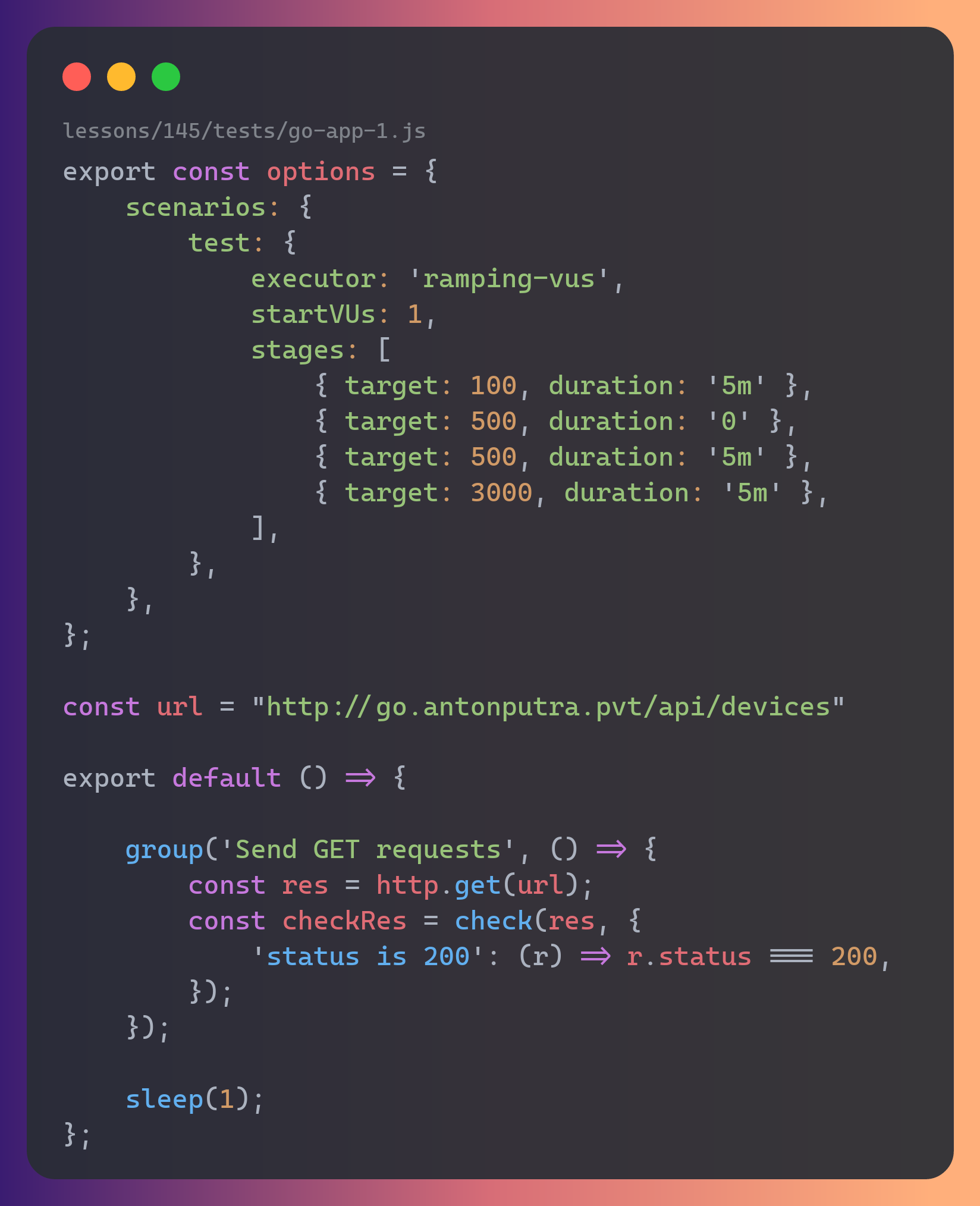
Source: Anton Putra (YouTube)
Security — Security / QA
Vulnerabilities and misuse.
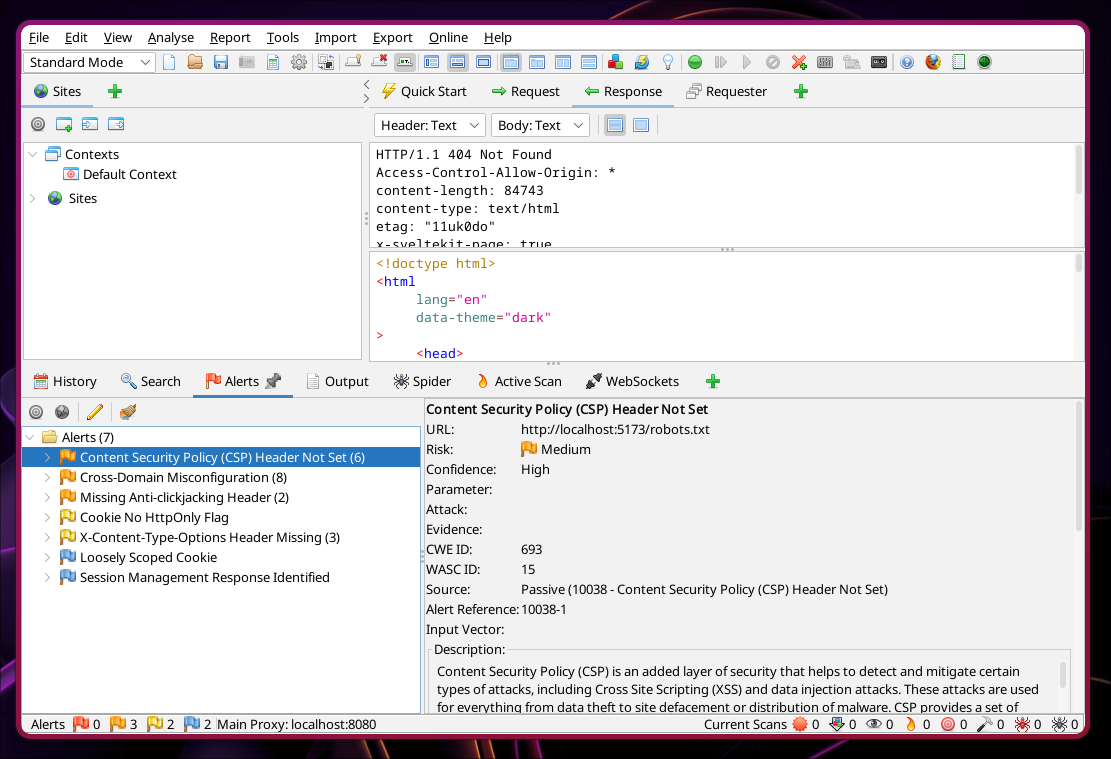
Source: OWASP ZAP
End-to-End — QA
A whole user journey across the system.
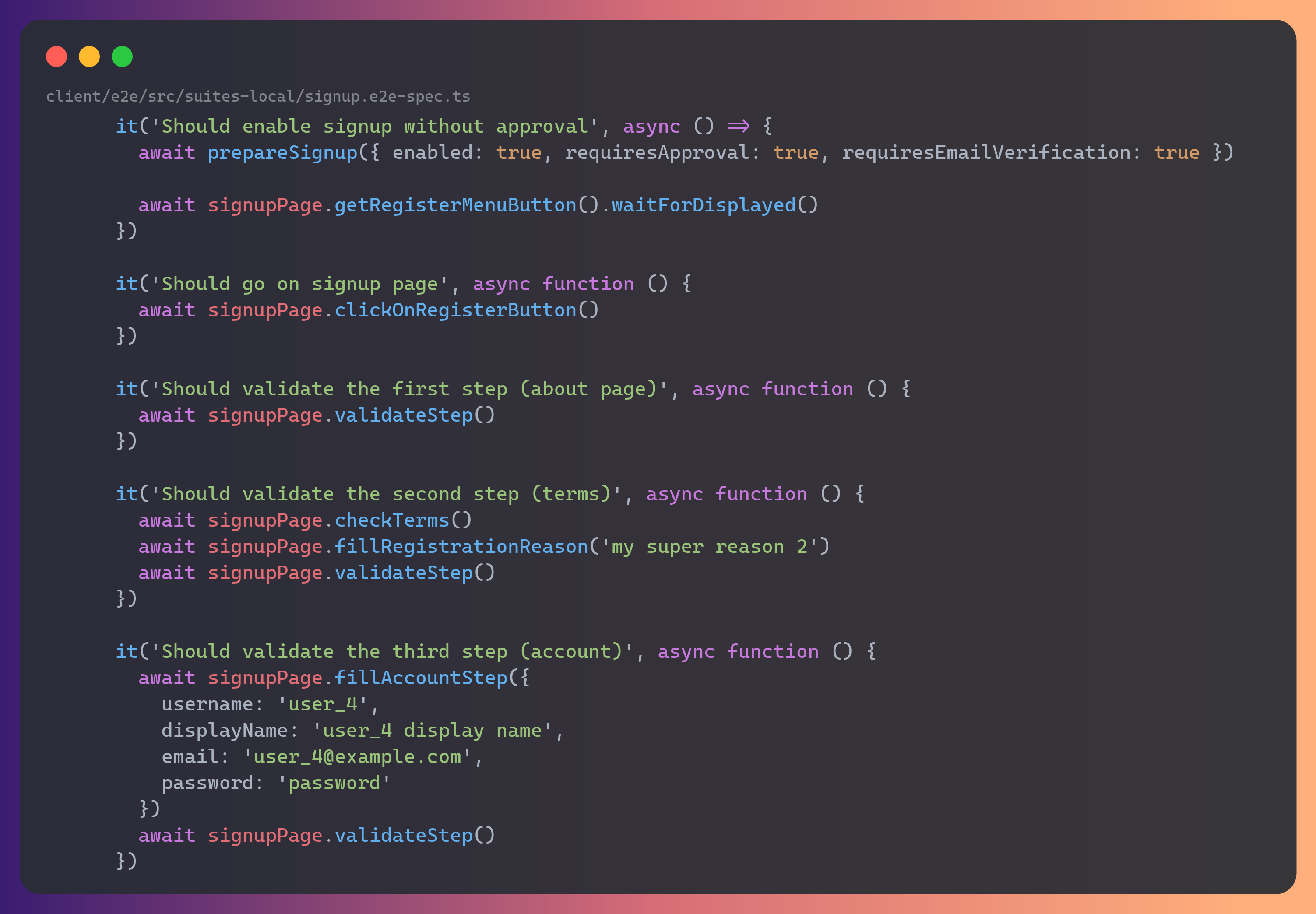
Source: PeerTube
UI — QA
The interface behaves and looks right.
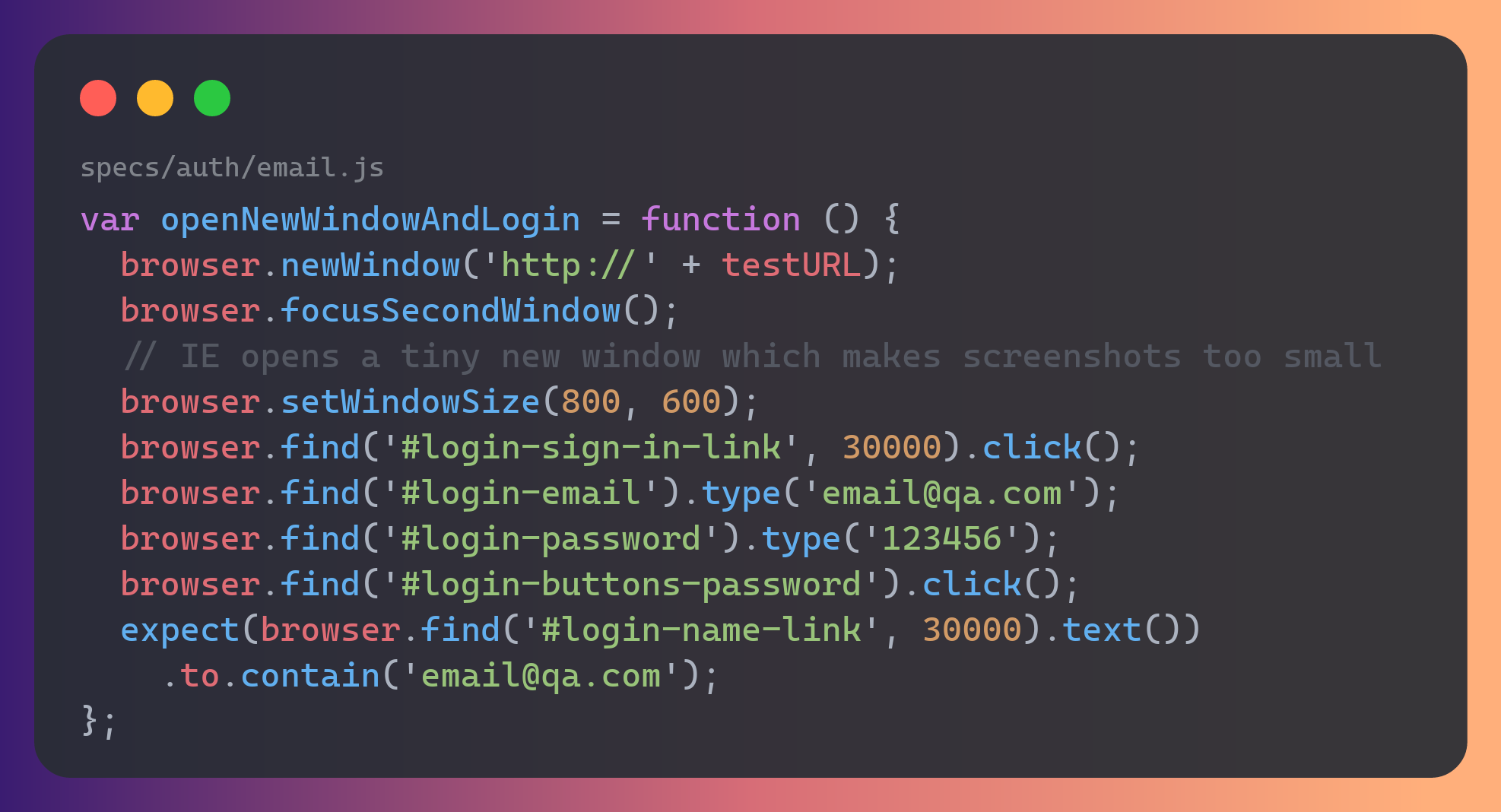
Source: Meteor
API — QA
Endpoints honour their contract.
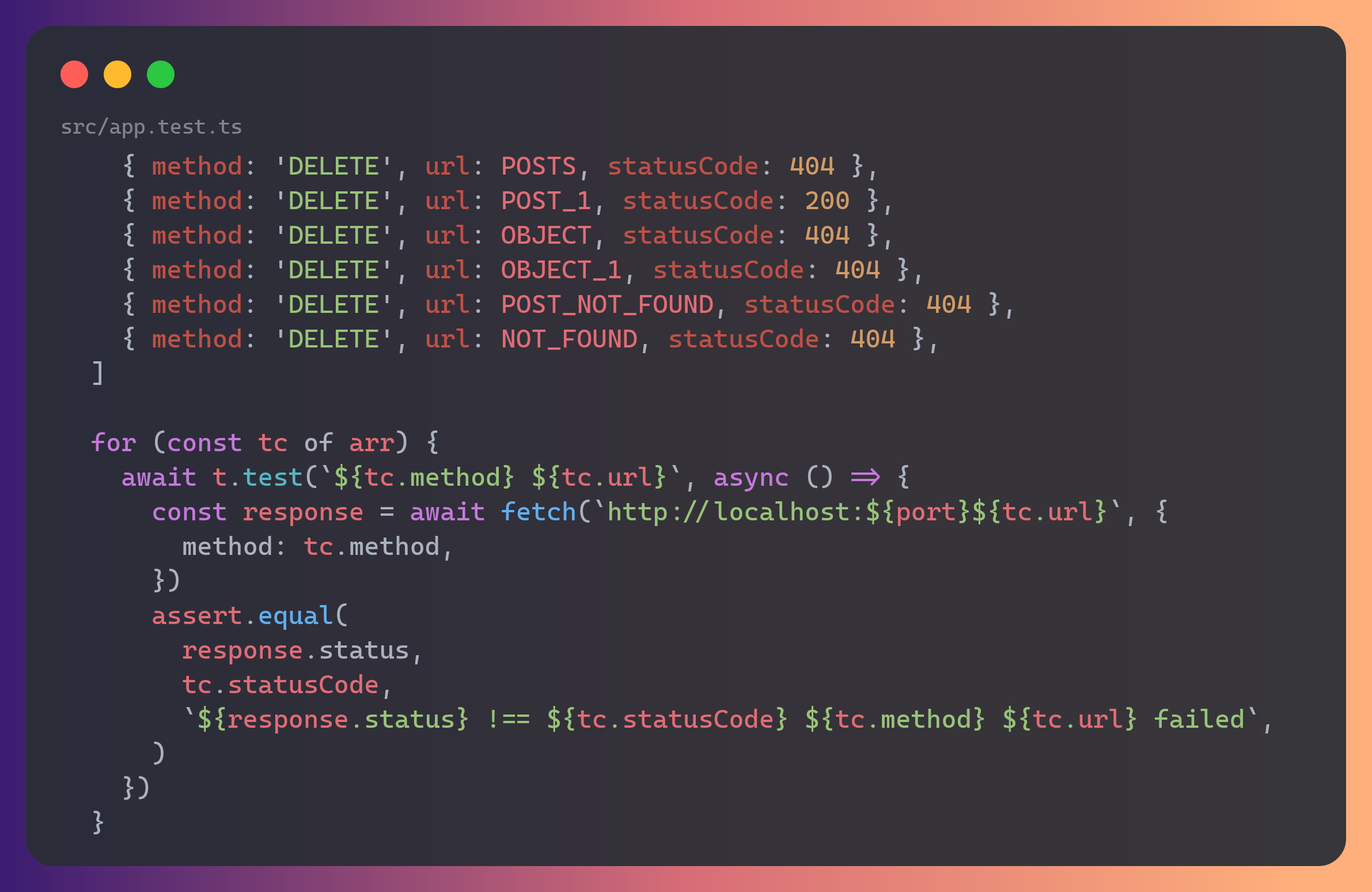
Source: json-server
Visual regression — QA
The UI didn't change pixels unexpectedly.
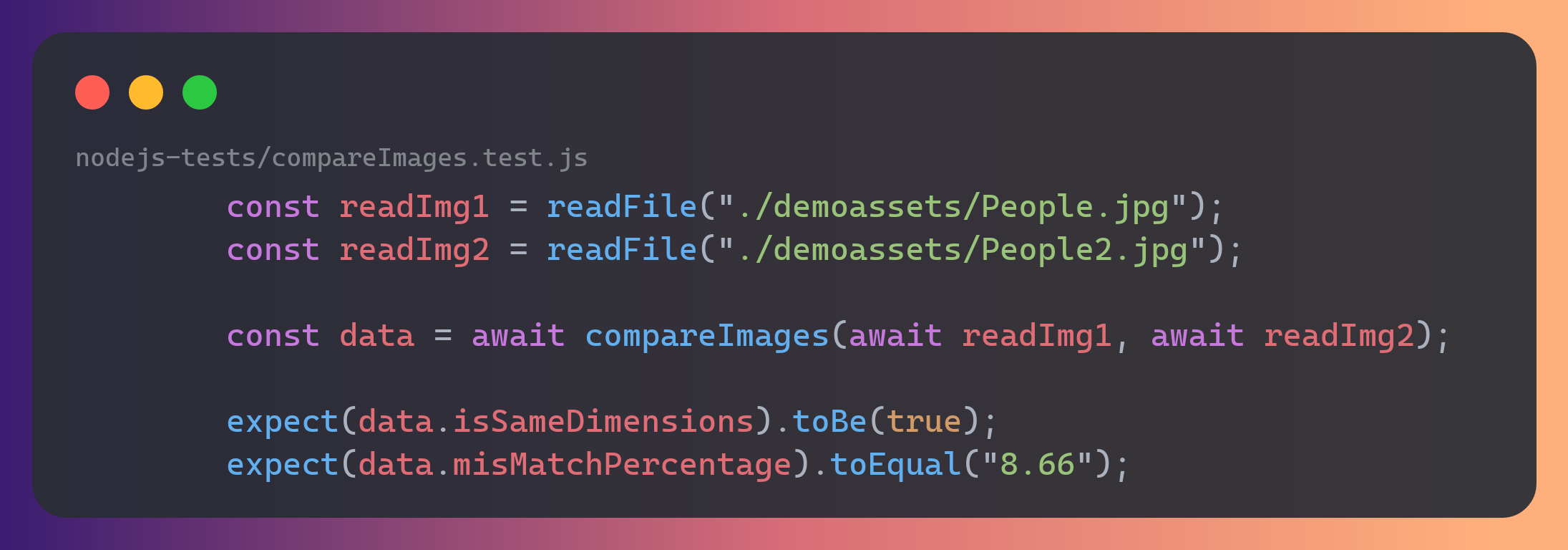
Source: Resemble.js
Functional, regression, and acceptance testing describe intent, not a tool — any of the tests above can serve those goals depending on what you're checking.
4. 🙌 Your turn — practical (~5 min)
You've seen a valid login test. Now write one for an invalid login (negative testing).
- Open
tests/ui/practical.spec.jsand follow the// TODOcomments:- fill
#usernamewithwronguser,#passwordwithwrongpass, click submit - assert
#flashcontainsYour username is invalid!
- fill
- Run
npm run test:ui. Stuck? The answer is insolutions/practical.solution.spec.js.
Bonus: also assert the page is still on /login (the user was not let in).
5. Recap
- A test is always arrange → act → assert.
- We automate through three interfaces, trading speed for realism:
- Functions (Vitest) — instant, isolates logic.
- API (fetch + Vitest) — fast, checks the backend contract.
- UI (Playwright) — realistic, drives a real browser.
- Test types (unit, integration, smoke, performance, security, …) describe what & why.
Go further
- Vitest — https://vitest.dev/
- Playwright — https://playwright.dev/
- Swagger / OpenAPI — https://swagger.io/
- Practice targets — https://the-internet.herokuapp.com/ · https://petstore.swagger.io/